Canon RC-IP1000 Controller: What It’s Like On a Real Production
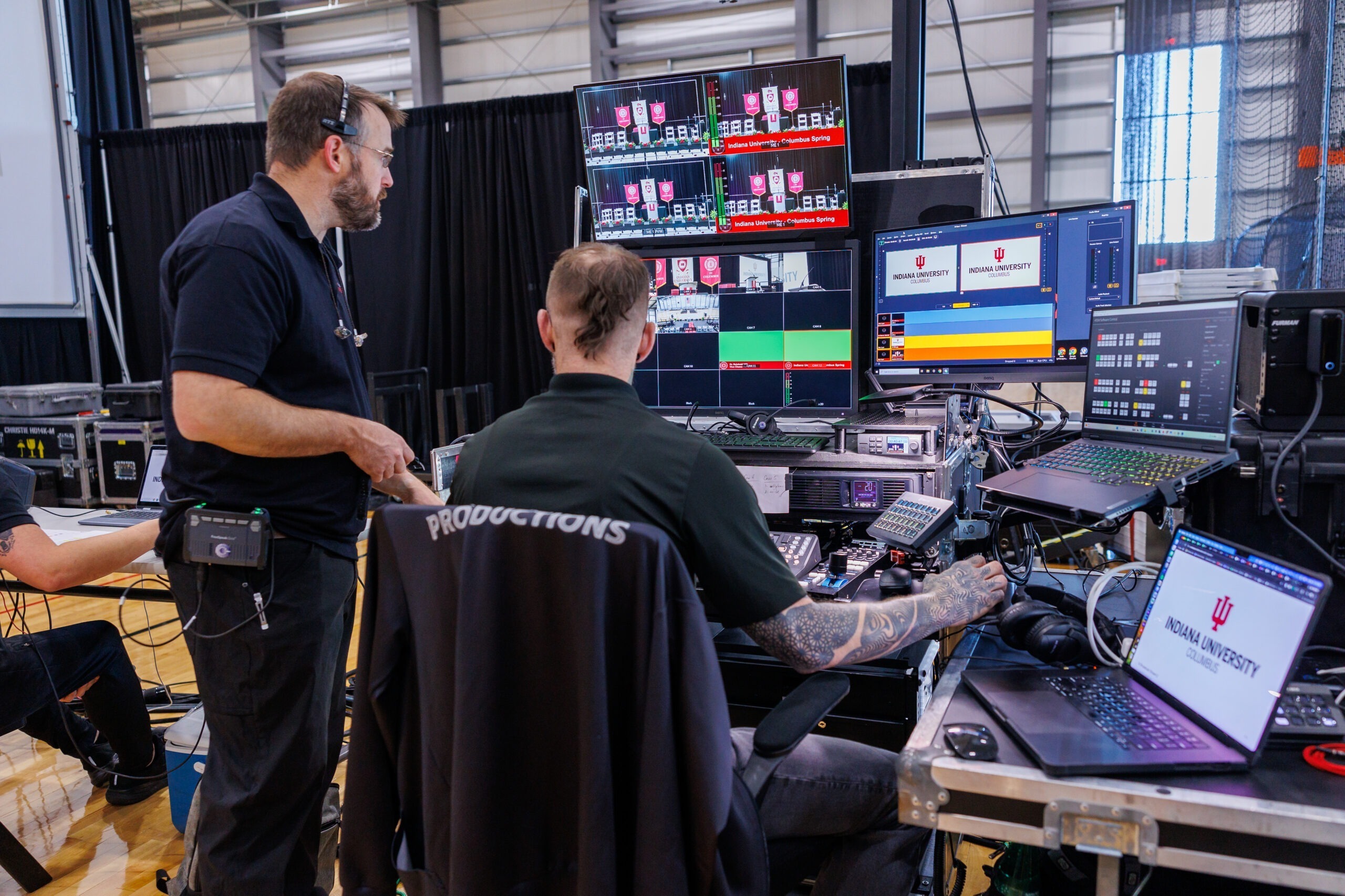
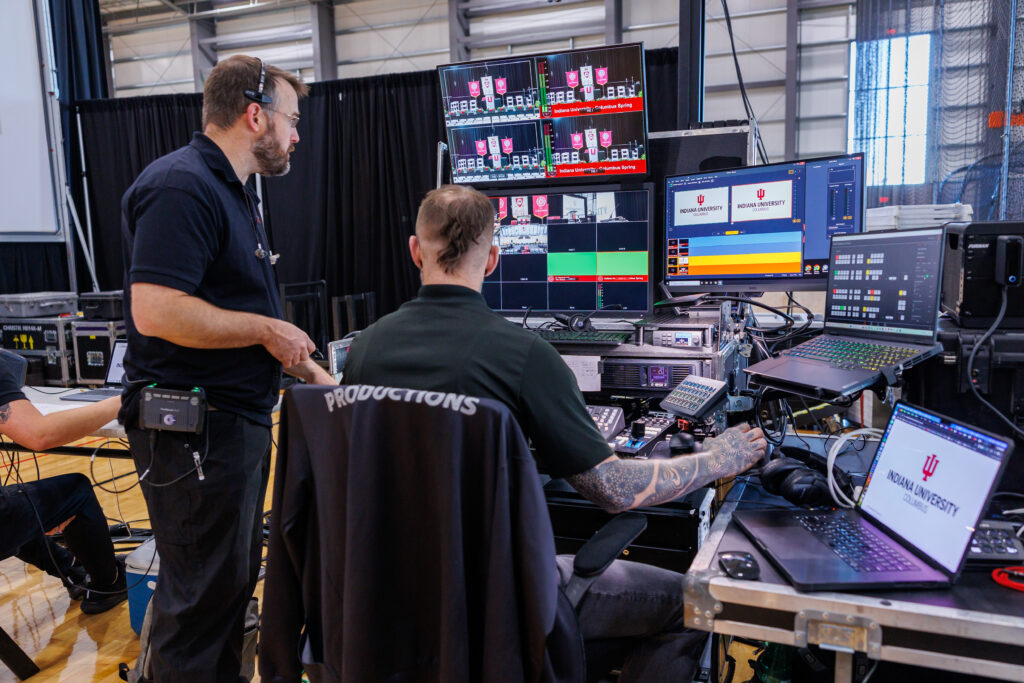
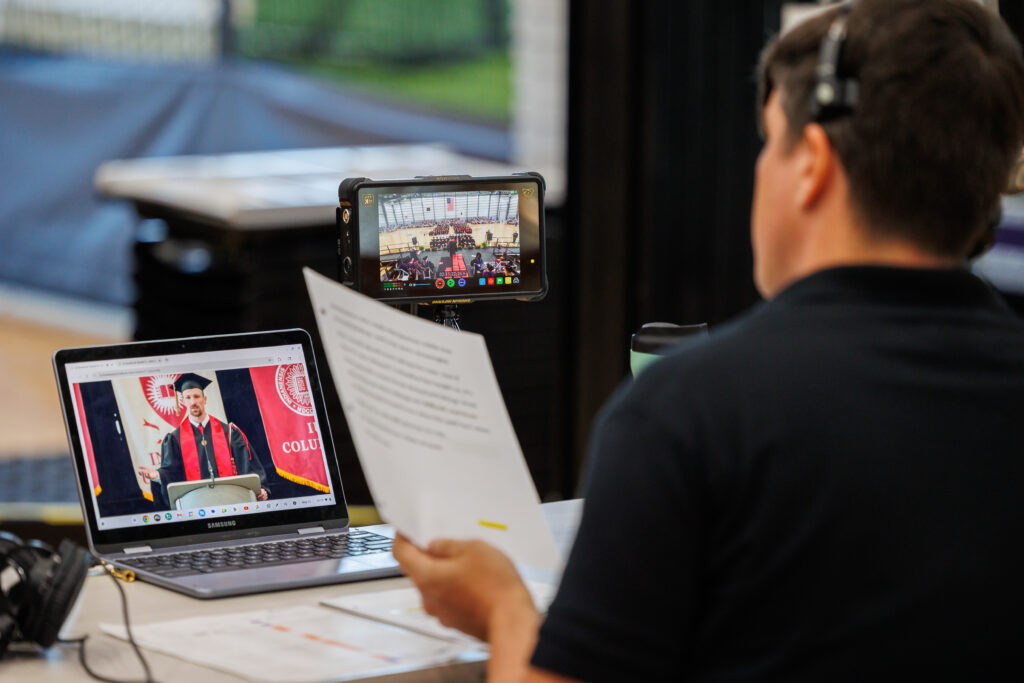
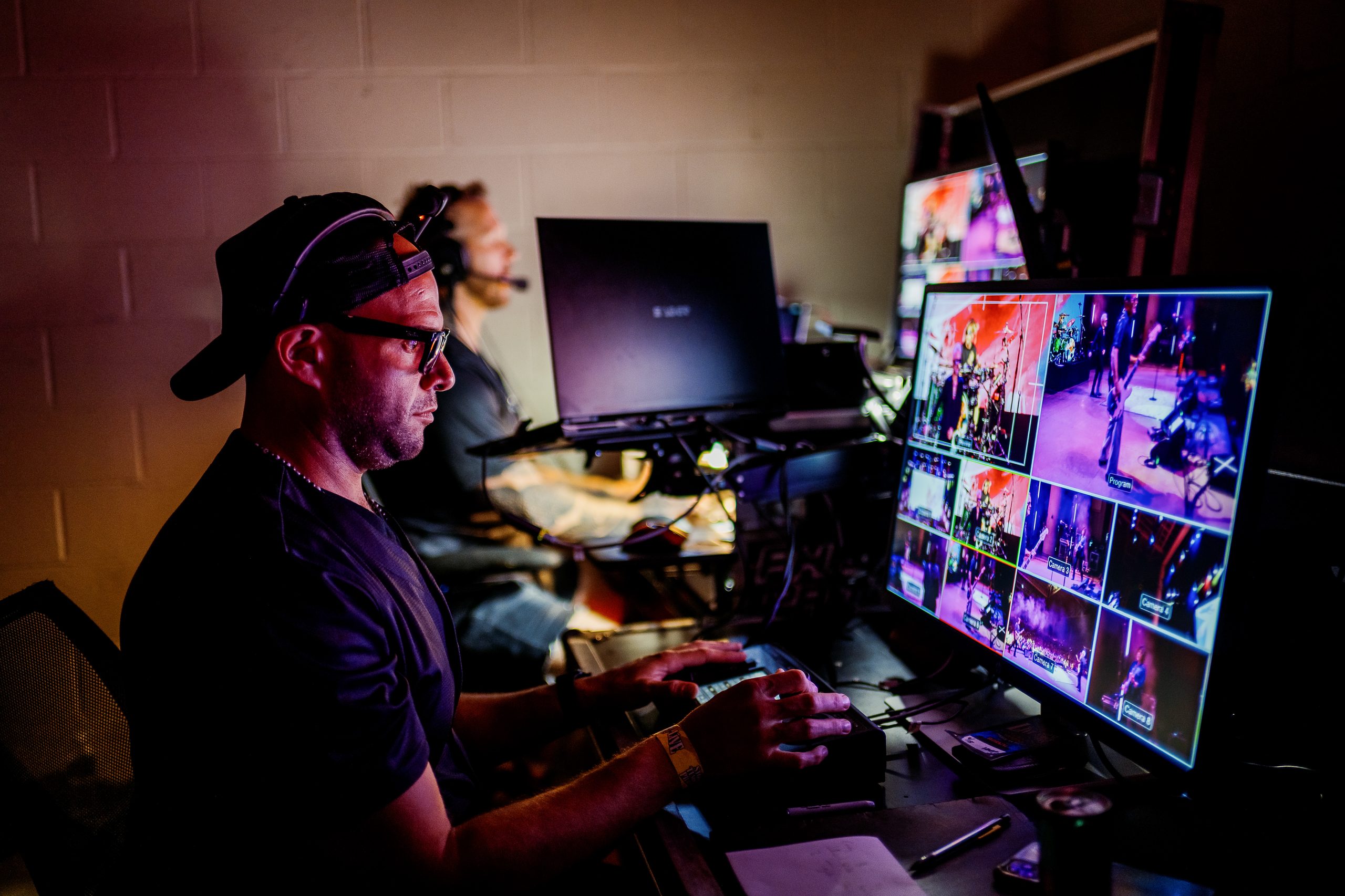
Most gear reviews talk specs on paper. This one comes from the field. In this video, we break down the Canon RC-IP1000 controller the way we actually use it: on live broadcasts, corporate productions, concerts, and multi-camera event coverage with Phierce Productions.
Why We Use a Dedicated PTZ Controller
Running PTZ cameras without a dedicated controller means juggling software, laptops, and unreliable connections in the middle of a live show. That’s not something we’re willing to risk. The RC-IP1000 gives us a single, purpose-built hub for controlling every PTZ camera on set, without needing a PC in the signal chain.
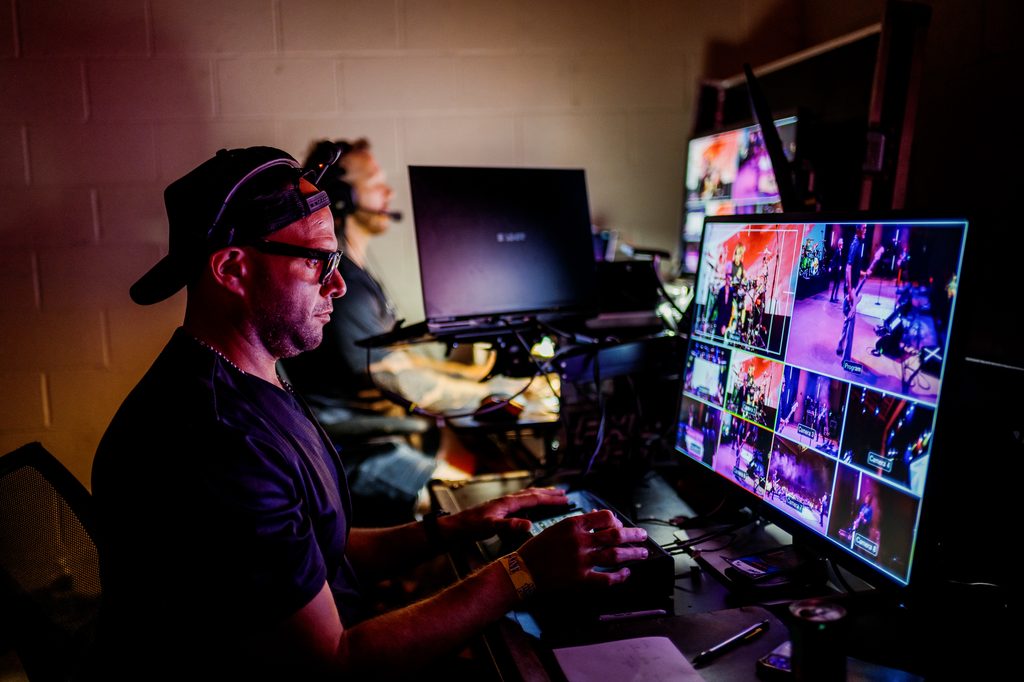
The controller can manage up to 200 cameras over IP, which sounds like overkill until you’re running a multi-camera event and need the headroom to add angles on the fly. A 7-inch touchscreen sits at the center, showing live feeds and menus, and it supports viewing up to nine camera feeds at once in a 3×3 layout. When you’re calling shots in real time, being able to glance at every angle in one place matters.
Setup and Menu System
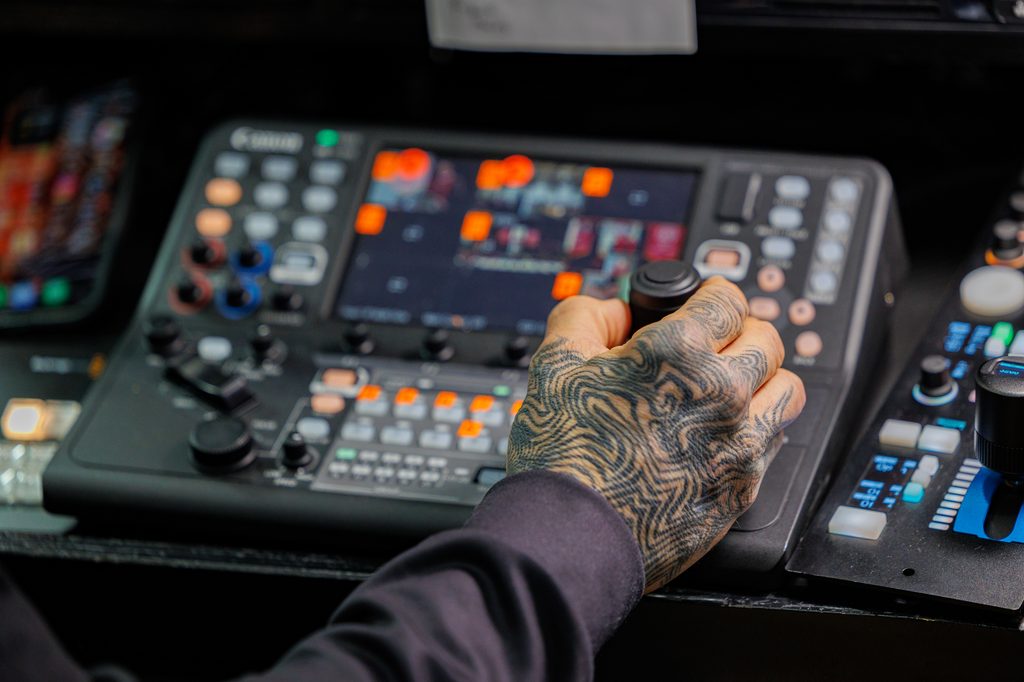
In the video, we walk through the setup process from power-on to a working multi-camera configuration. Between the 42 buttons, 14 dials, and a full touchscreen menu, there’s a real learning curve the first time you sit down with it. But once it’s configured, the layout is built for speed: assignable buttons and dials mean the functions we reach for most on a shoot (iris, presets, white balance) are always one press away.
We also cover:
- Registering and grouping cameras without needing a laptop
- Touch autofocus and how it interacts with Canon’s auto tracking features
- Adjusting pan, tilt, and zoom speed for different shot types
- Presets, and how we use them to move fast between fixed setups during a live show
Why It’s Become Part of Our Workflow
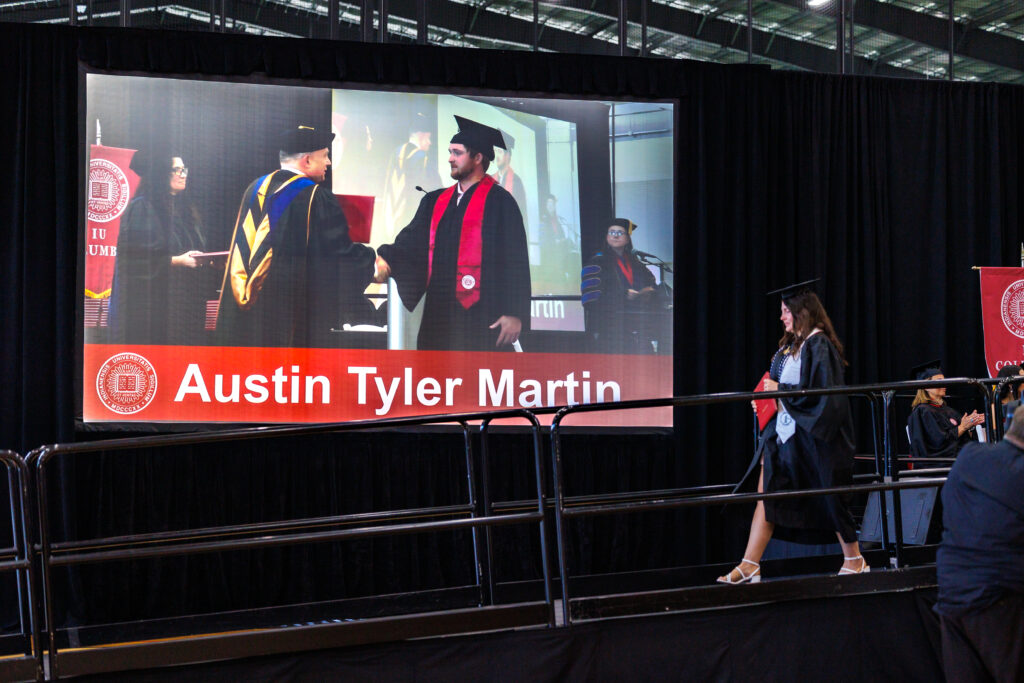
Reliability is the whole game in live production. There’s no take two during a graduation ceremony, a corporate keynote, or a concert broadcast. The RC-IP1000’s ergonomic joystick and dedicated hardware controls mean our operators aren’t hunting through software menus mid-show. Everything critical is a physical button or dial away, which cuts down on reaction time when a shot needs to change fast.
Is It Worth the Investment?
If you’re running a single PTZ camera for occasional use, the RC-IP1000 is probably more than you need. But for productions where speed, reliability, and multi-camera coordination are non-negotiable, like live broadcasts, corporate events, and concerts, it earns its place in the rig. We rely on it regularly for exactly that reason.
Watch the full breakdown for the complete setup walkthrough and a closer look at how we integrate it into real client work. Got questions about the controller, or want a deeper dive into a specific feature? Drop them in the comments on the video.
Phierce Productions is a boutique, full-service production company based in Nashville, focused on live cinematography, live broadcasting, and high-end event production for clients across Tennessee, Indiana, and coast to coast.