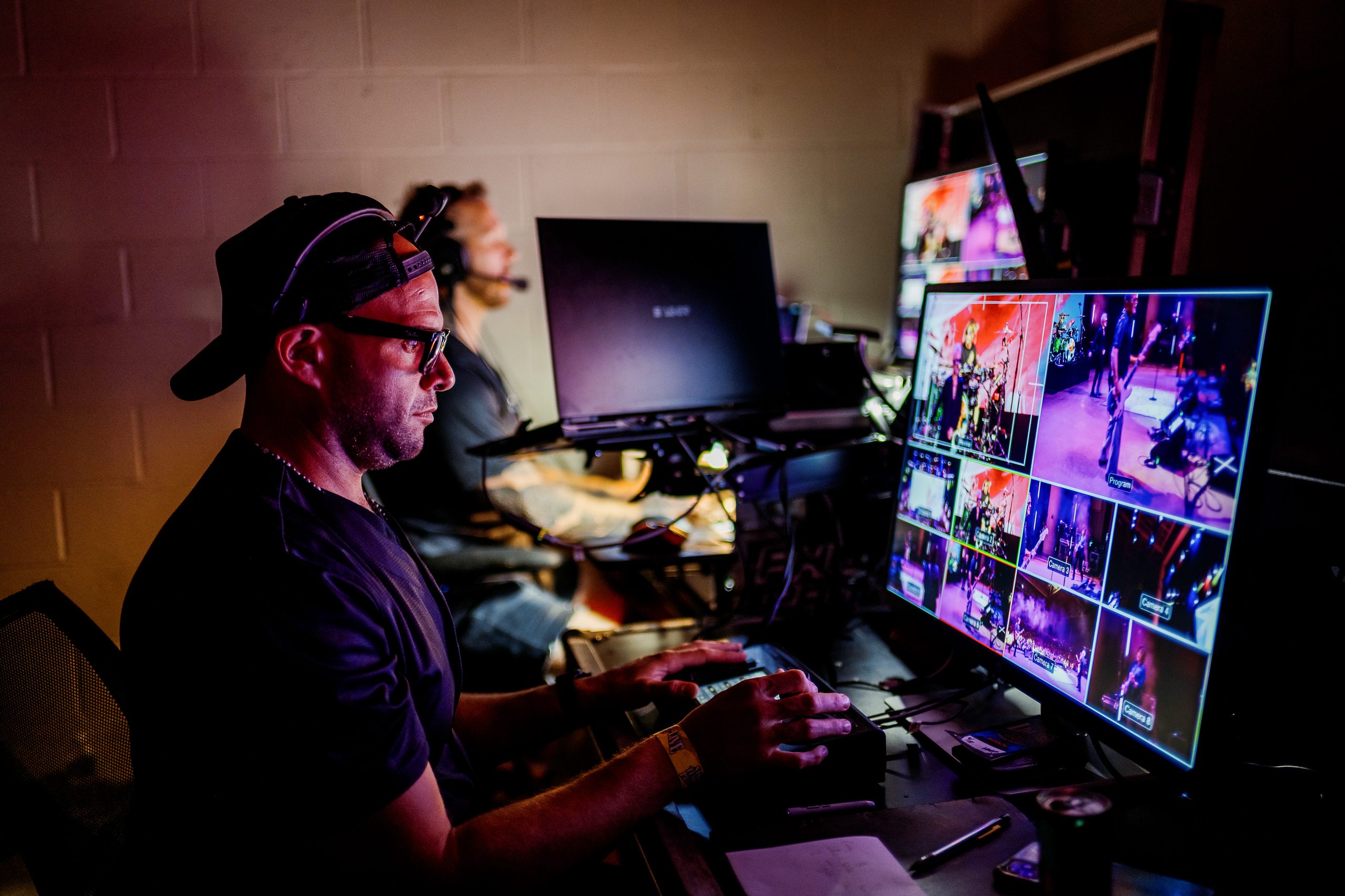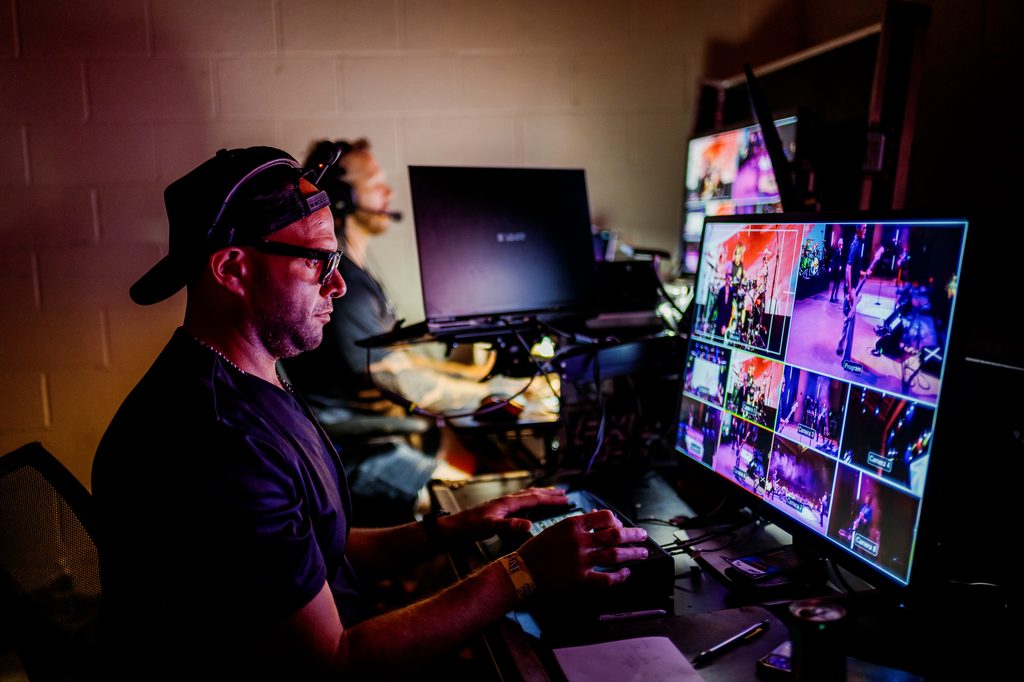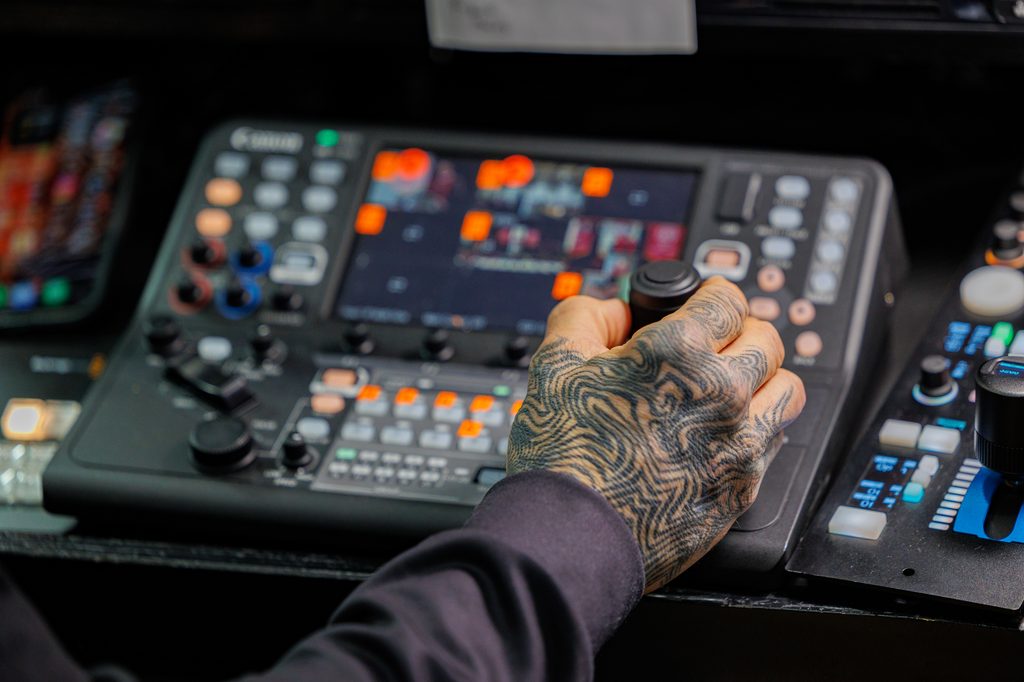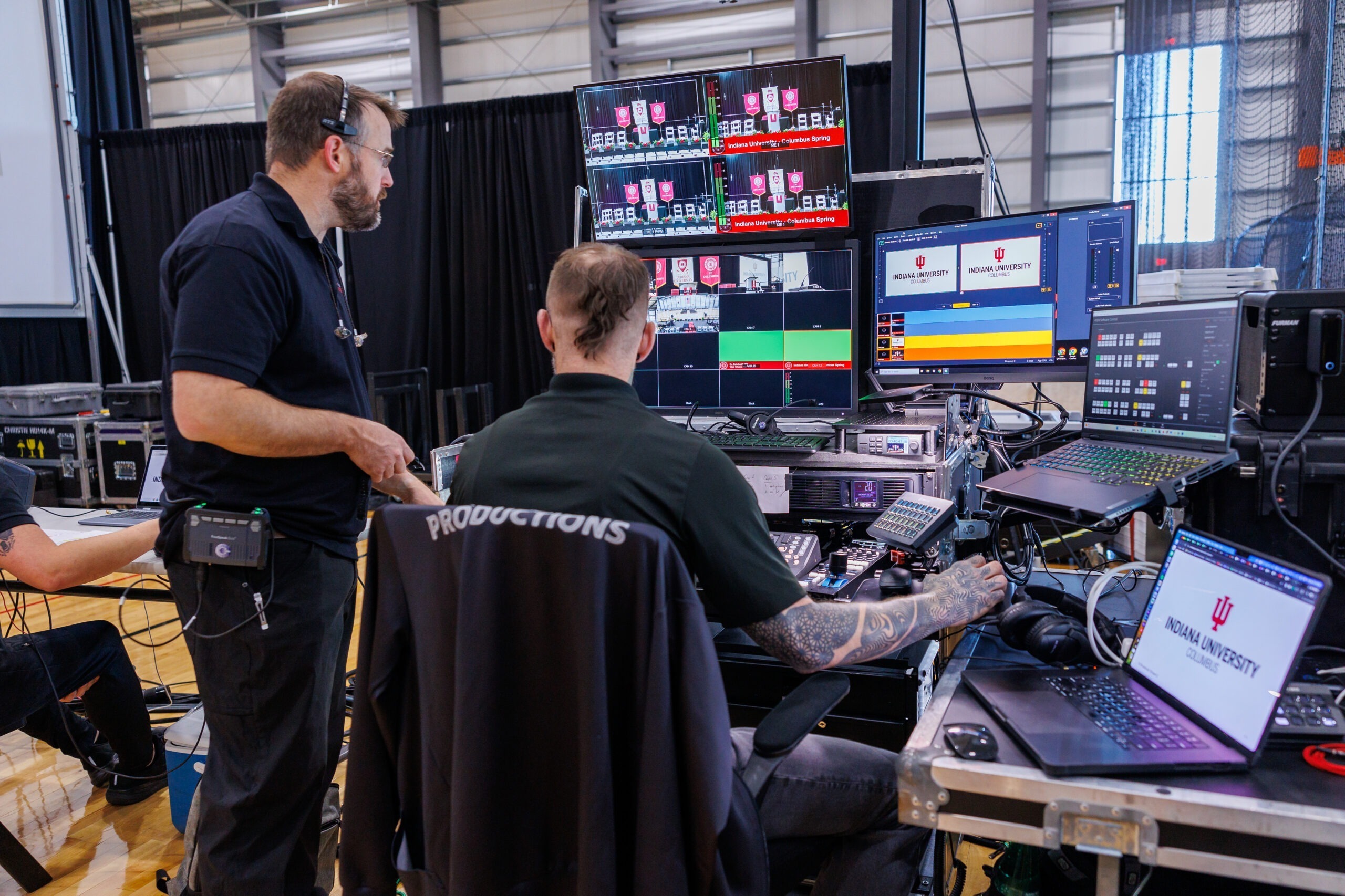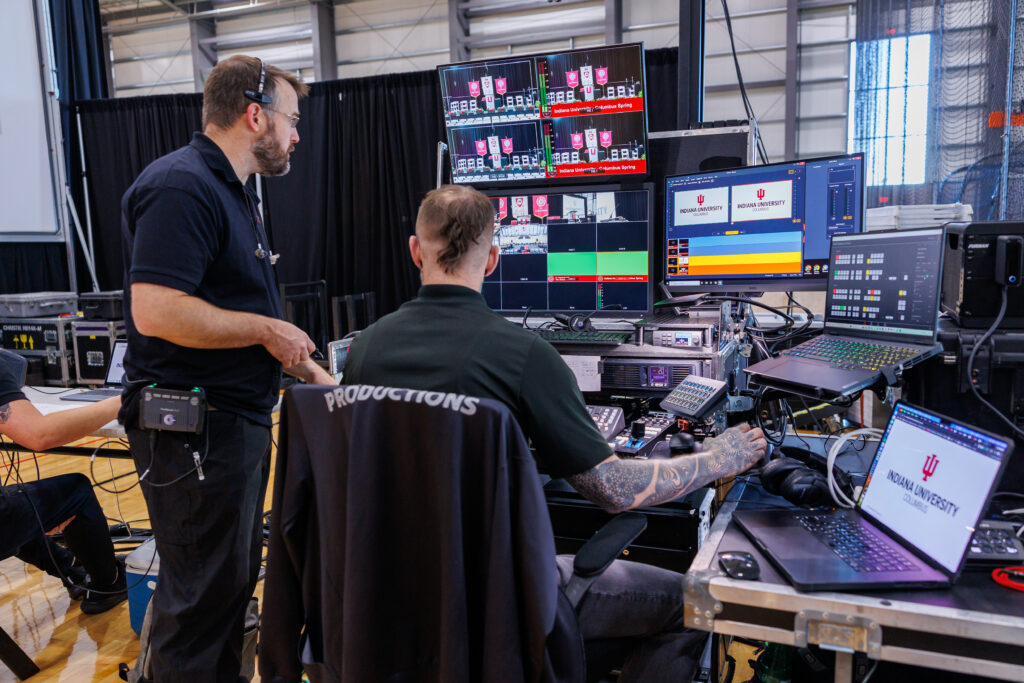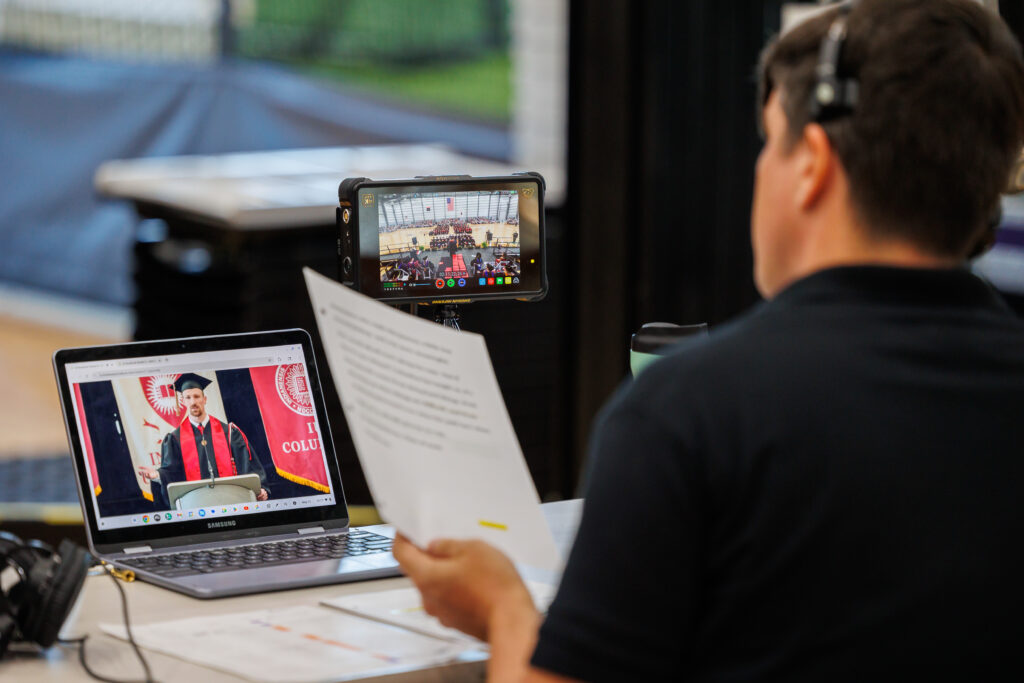
Every live production has the same hidden problem. Cameras, recorders, switchers, monitors, and encoders all need to talk to each other, and the cables between them rarely stay where you left them. We’ve been running a Blackmagic Videohub 40×40 12G in our control center for a few weeks now, and it has quickly become a central piece of how we work at Phierce Productions.
In our latest video, we break down the setup process, the software, and the core routing functions we rely on during real shows.
What a Video Router Actually Does
A router is a simple idea. Any input can be sent to any output, and you change those connections with a button press instead of a cable swap. On a busy show, that means a camera feed can move from one destination to another in seconds, with no one crawling behind or inside a rack.
That speed matters most when something changes mid-event. A recorder needs a different source. A monitor needs a new feed. With a router, those are quick routing changes instead of physical ones.
Real Client Work: Changing What Feeds Our Recorders in Seconds
The best example from our own workflow is our HyperDeck recorders. Before the Videohub, changing what a recorder was capturing meant re-patching cables. Now we change it in a matter of seconds, right from the control center. That’s the kind of practical gain we focus on in the video, rather than just talking about specs on paper.
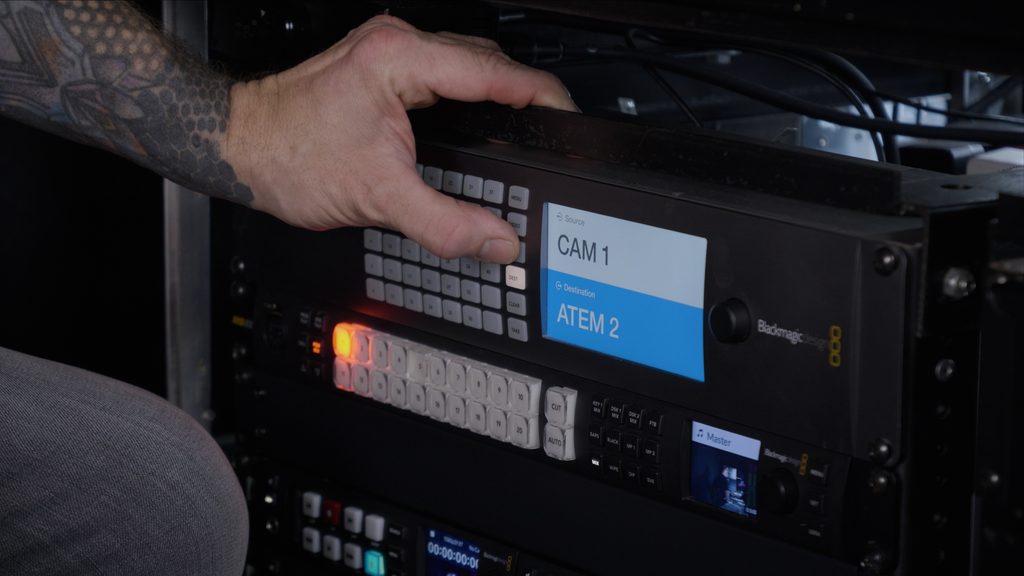
The Blackmagic Videohub 40×40 12G at a Glance
The model we use is the 40×40 12G. Here’s what makes it a fit for live event work:
- 40 inputs and 40 outputs, which gives us room to grow as shows get bigger
- 12G-SDI support, so it handles SD, HD, and Ultra HD signals, even mixed together on the same router
- Zero-latency routing, so a route change never adds delay to a live signal
- Reclocked SDI outputs, which help keep signals clean
- Reference input for tri-sync or black burst
- Ethernet and USB-C connections, plus free software control for Mac and Windows
- Crosspoint memory through power loss, so routes are restored instantly at power-on
- 2RU footprint, which matters when rack space is tight
Setup and Software Walkthrough
The video covers the tools we use most, in the order you’d actually use them:
- Connections and I/O: a look at the physical layout and how signals come in and go out
- Routing from the front panel: quick changes directly on the unit, no computer required
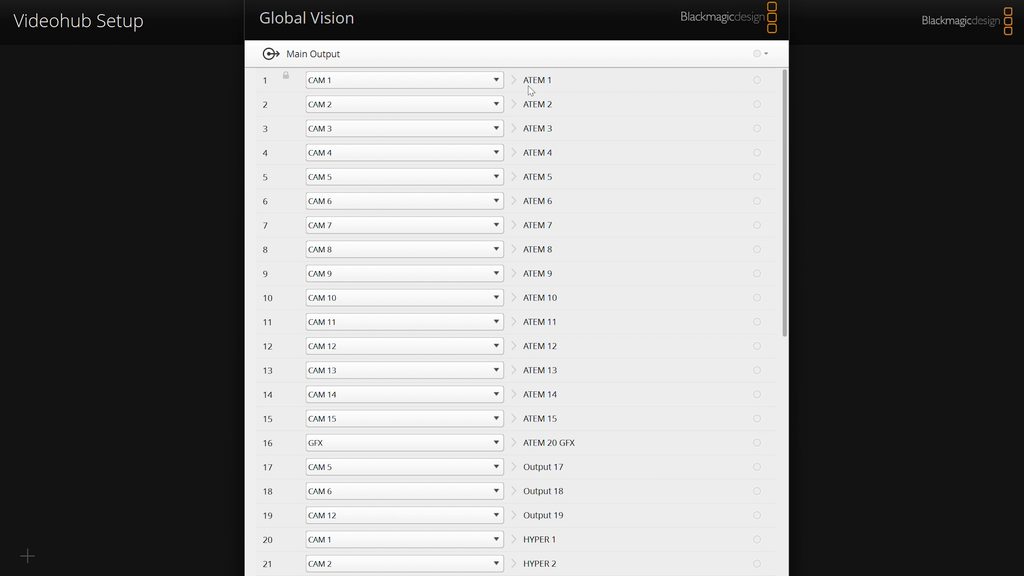
- Naming inputs and outputs in Videohub Setup: clear labels like camera names and recorder feeds, so nobody has to remember which number is which
- Switching routes in Videohub Control: the software we use day to day to change what goes where
Who It’s For
If you’re building out a control room, a fly pack, or a broadcast trailer, a router gives you flexibility that a fixed cable layout never will. The same goes if you simply want more freedom in your signal flow. If you only run a few cameras into a single switcher, you may not need one yet. However, once you add recorders, multiple destinations, or several operators, the time saved adds up quickly.
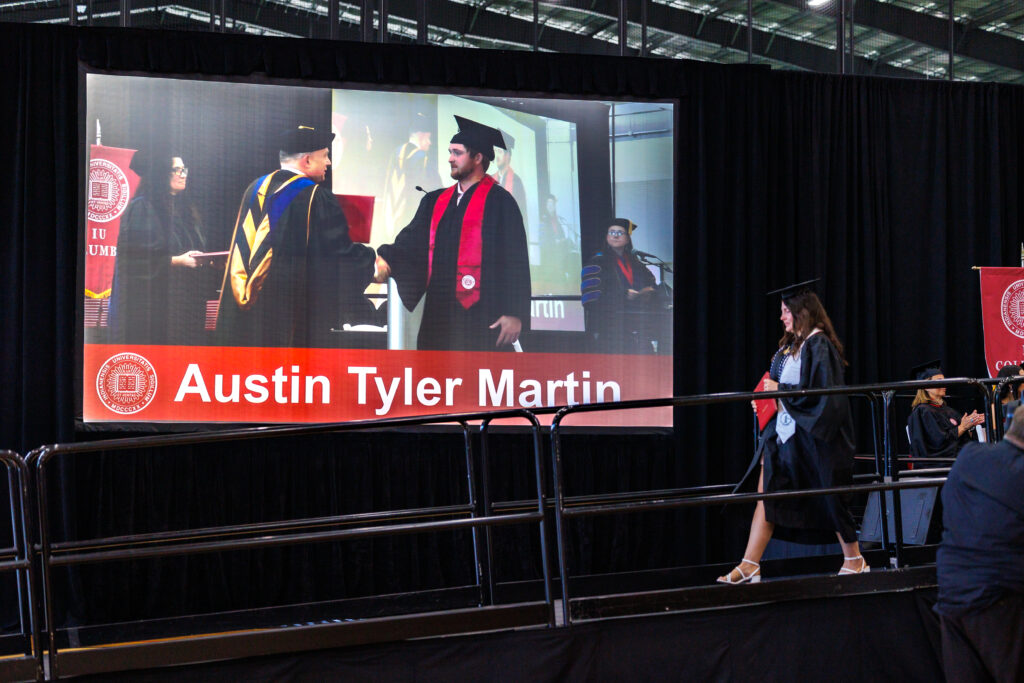
Clients never see the router. They see cinematic-quality video on the screens and a stream that holds up. That reliability comes from a rig that’s organized, predictable, and fast to change.
Watch the Full Video
The video shows all of this in action, including how the Videohub fits into the rest of our gear. If you have questions about the Videohub, want more tutorials, or want a deeper dive into specific features and workflows, drop them in the comments on the video.
Learn more about the router on the Blackmagic Design Videohub product page.
Phierce Productions is a boutique, full-service production company based in Nashville, focused on live cinematography, live broadcasting, and high-end event production for clients across Tennessee, Indiana, and coast to coast.